
Ako implementovať AI recepčnú za 3 dni — krok za krokom
Keď firmy počujú 'nasadenie AI', predstavia si mesiace práce, drahých konzultantov a komplikovanú technickú integráciu. V prípade AI recepčnej to tak nie je.
Callora je navrhnutá tak, aby bola funkčná rýchlo. Tu je presný postup ako to prebieha.
Deň 1: Analýza a príprava
Prvý deň je o pochopení vašej firmy. Aké otázky zákazníci najčastejšie kladú? Aké procesy chcete automatizovať — rezervácie, informácie, presmerovanie?
Spolu s vami zostavíme zoznam scenárov: čo AI recepčná povie keď zákazník zavolá prvýkrát, čo keď chce zrušiť, čo keď má reklamáciu. Tento krok trvá 2–3 hodiny.
Deň 2: Konfigurácia a nastavenie
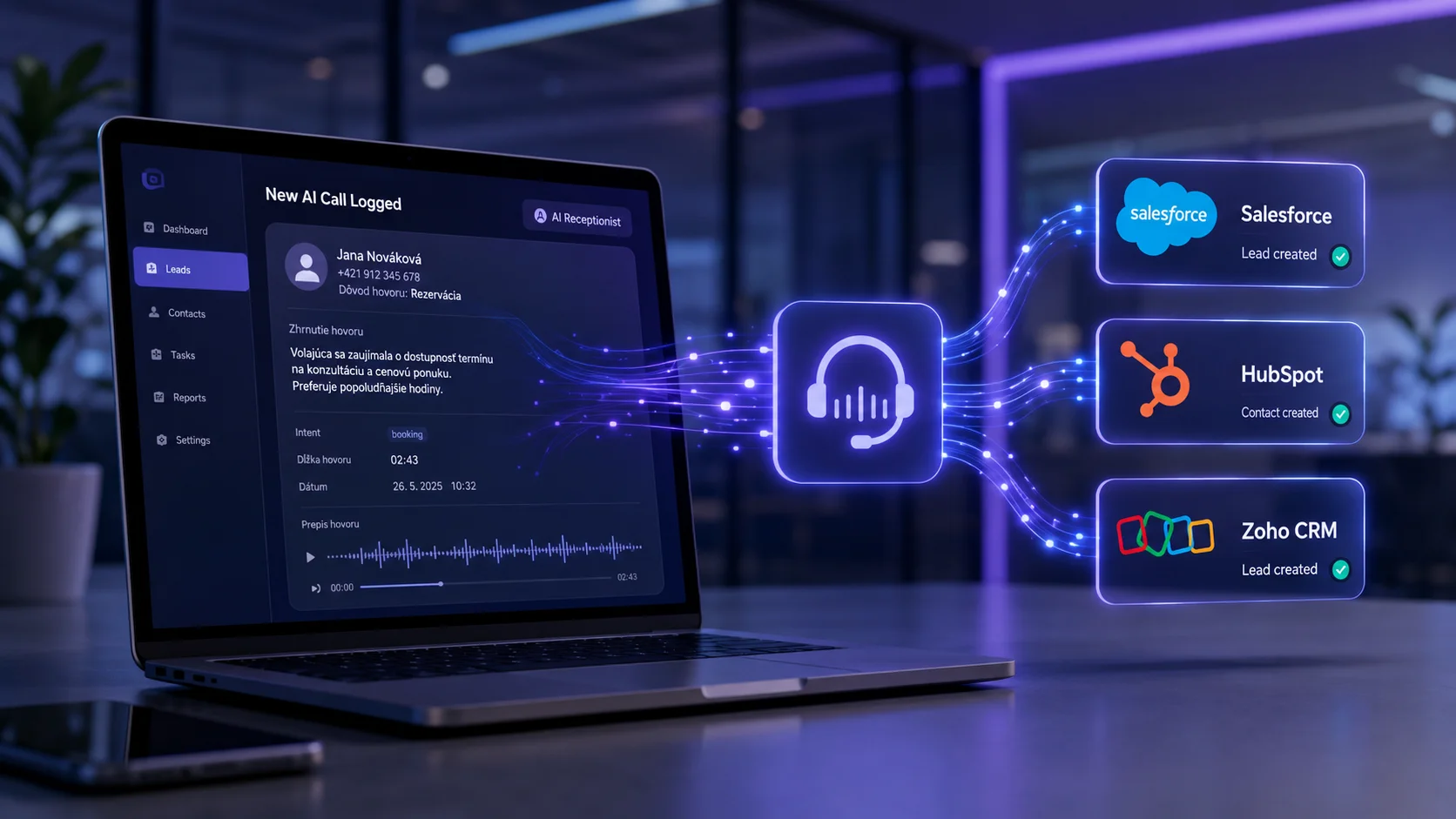
Na základe analýzy nakonfigurujeme AI recepčnú presne podľa potrieb vašej firmy. Nastavíme hlas, tón komunikácie, odpovede na časté otázky a prepojenie s vaším kalendárom či rezervačným systémom.
Výsledok: plne funkčný AI agent, ktorý pozná vašu firmu, vaše produkty a vie komunikovať so zákazníkmi.
Deň 3: Testovanie a spustenie
Pred ostrým spustením AI recepčnú dôkladne otestujeme. Simulujeme rôzne scenáre hovorov, overíme správnosť odpovedí a prípadne doladíme detaily.
Na konci tretieho dňa je AI recepčná live — zdvíha reálne hovory od reálnych zákazníkov.
Čo nepotrebujete
Čo sa stane potom
Po spustení sledujeme výkon AI recepčnej a priebežne ju vylepšujeme. Každý mesiac viete presne koľko hovorov AI spracovala, čo zákazníci riešili a koľko to ušetrilo vášmu tímu.
Od rozhodnutia po funkčnú AI recepčnú — 72 hodín. To je realita s Callorou.